
Design colorwork charts from first pixel to final export.
Draw on a precise grid, build palettes from photos, preview repeats, and export images, PDFs, and timelapses from one focused iPhone and iPad app.
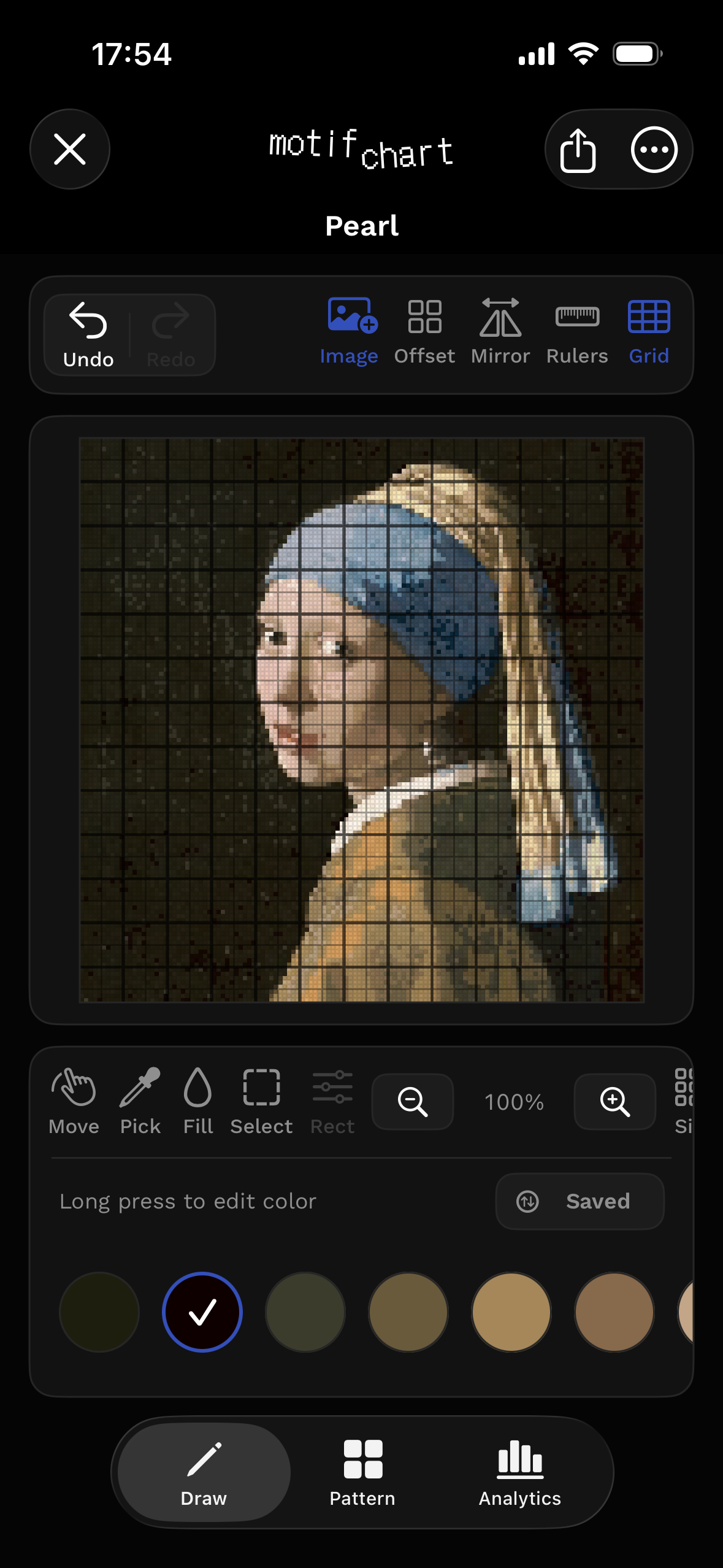
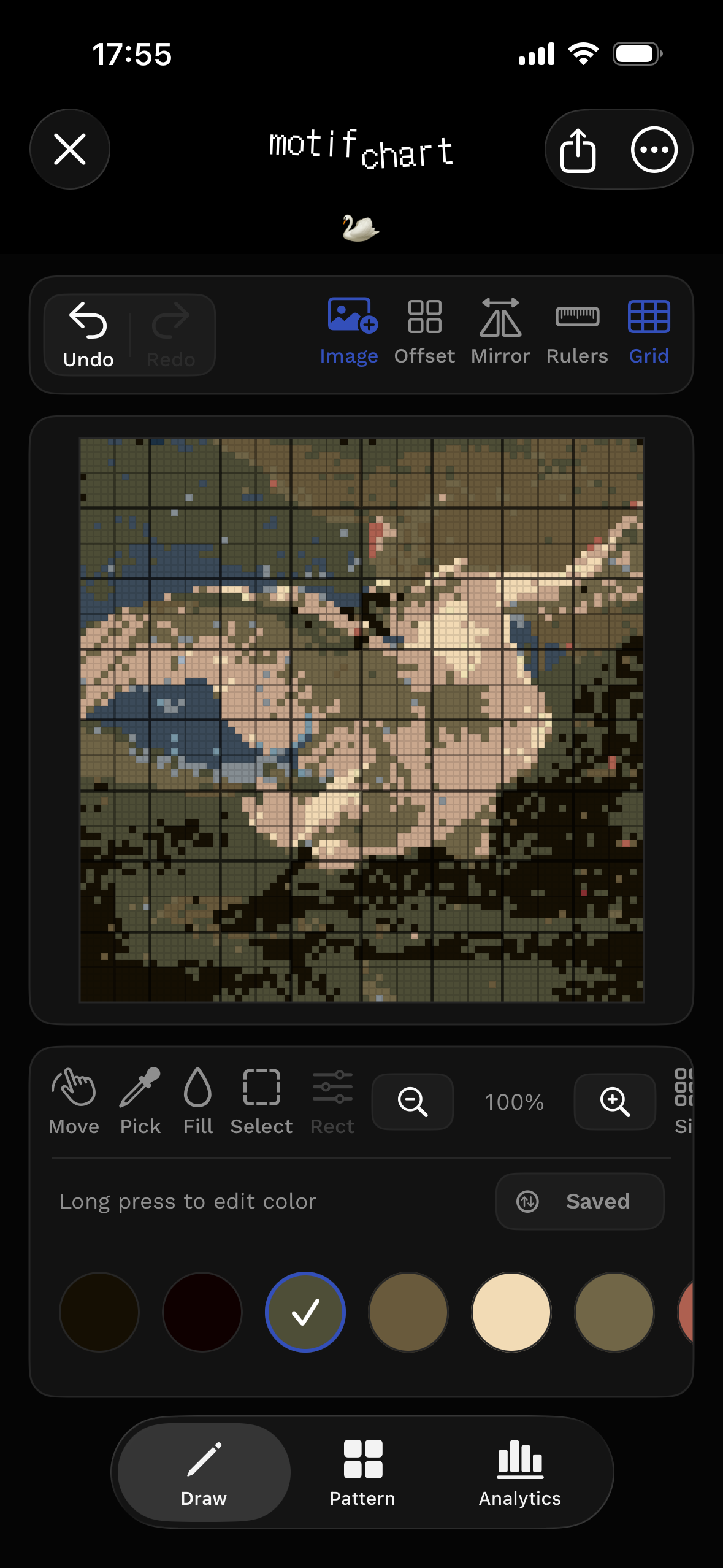
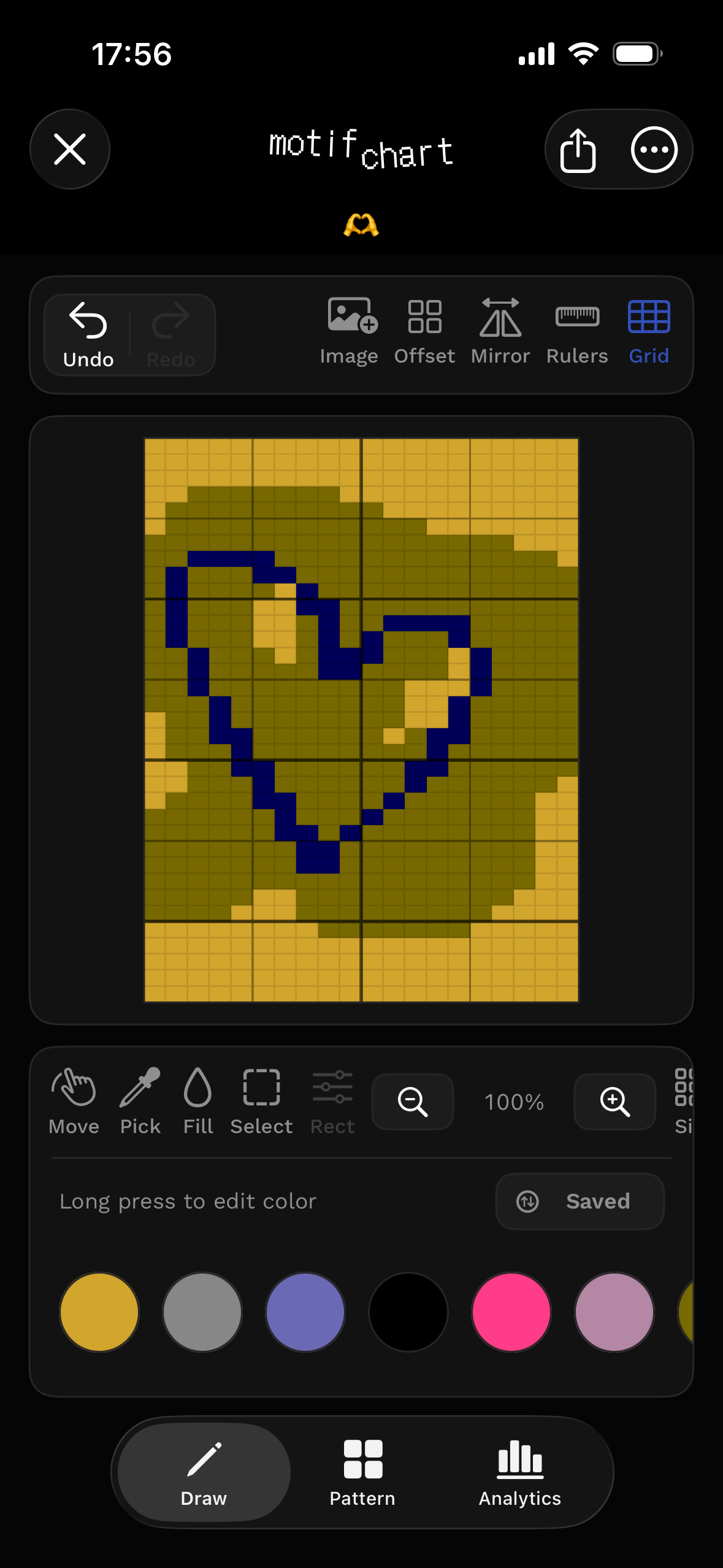
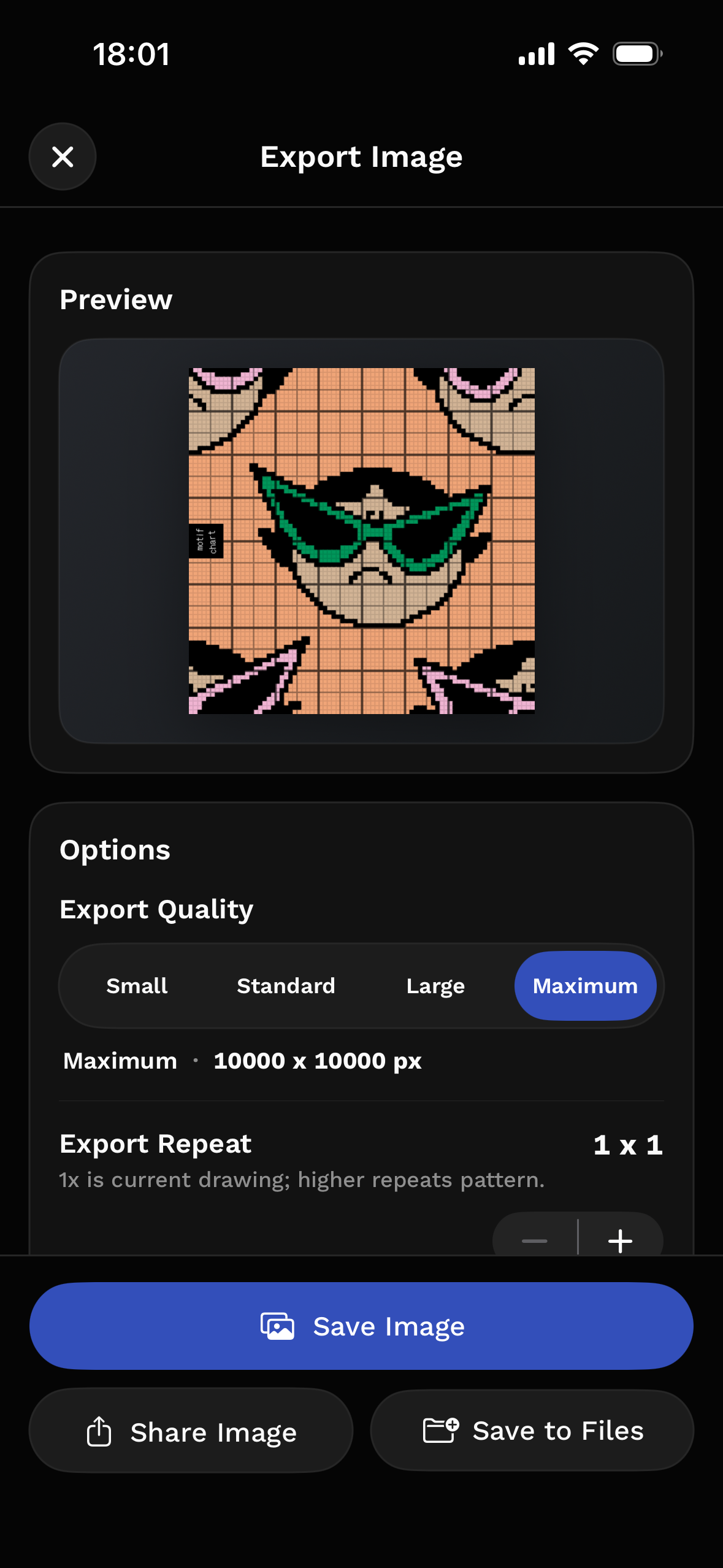
Timelapse and synesthesia.
Watch a chart take shape.
MotifChart can turn the drawing process into a shareable timelapse with synesthesia audio generated by what you draw. Turn on sound to hear it.
Made for grid-based making.
Keep the canvas honest.
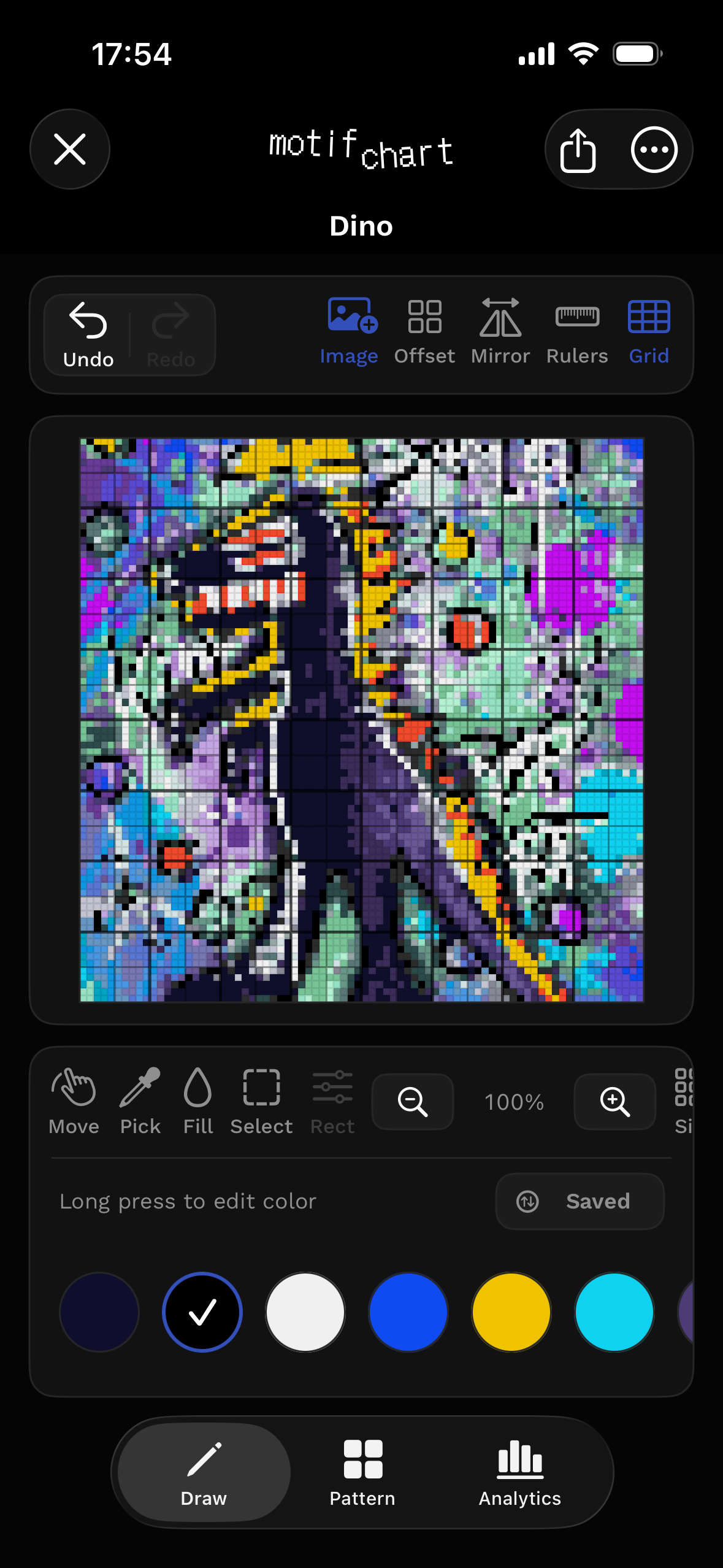
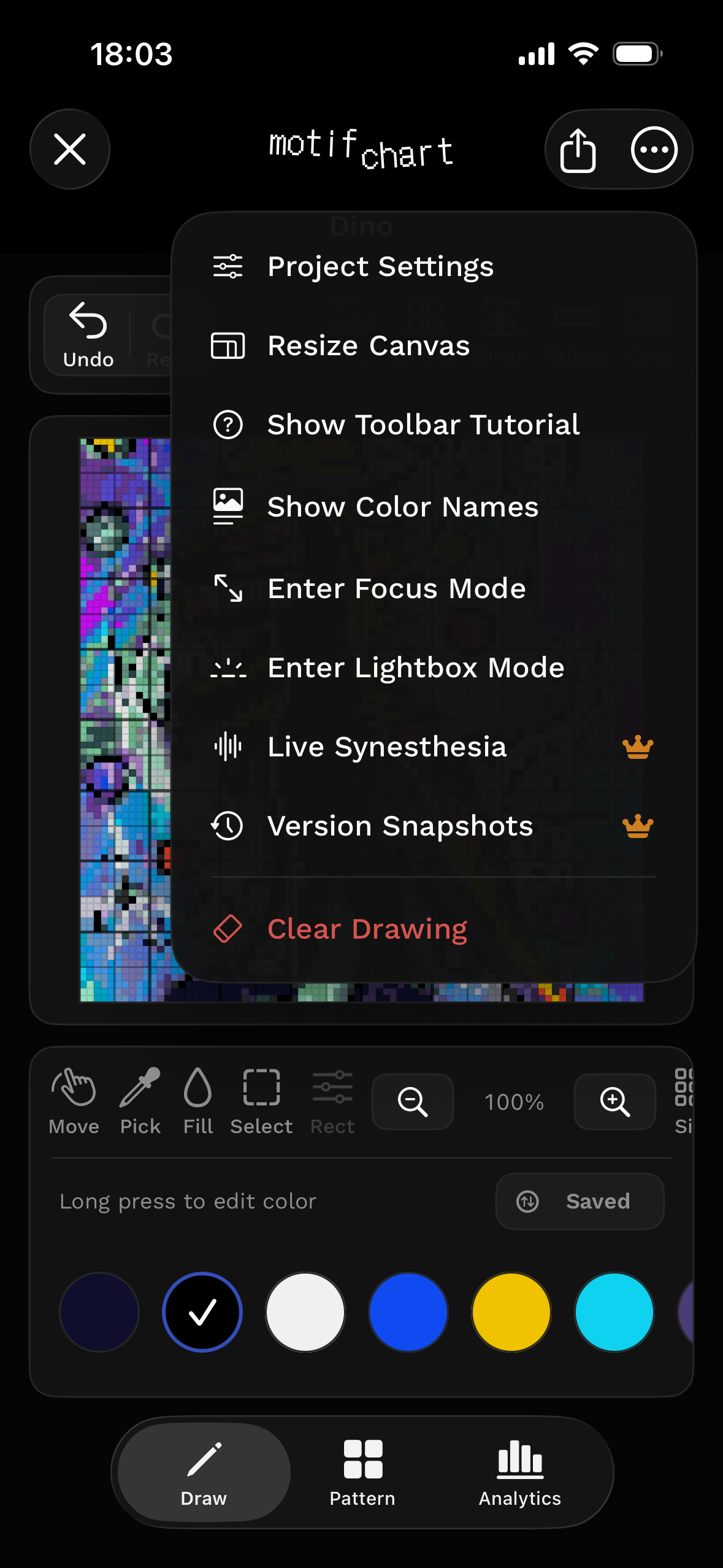
MotifChart keeps cells, rulers, stitch shape, repeat tools, and palette controls close while you work.
- Pixel drawing with move, select, stamp, shape, and fill tools.
- Square cells for pixel art, crochet, beading, tapestry, and embroidery.
- Wide cells for knitting charts with rectangular stitches.
- Mirror and repeat controls for building motifs faster.
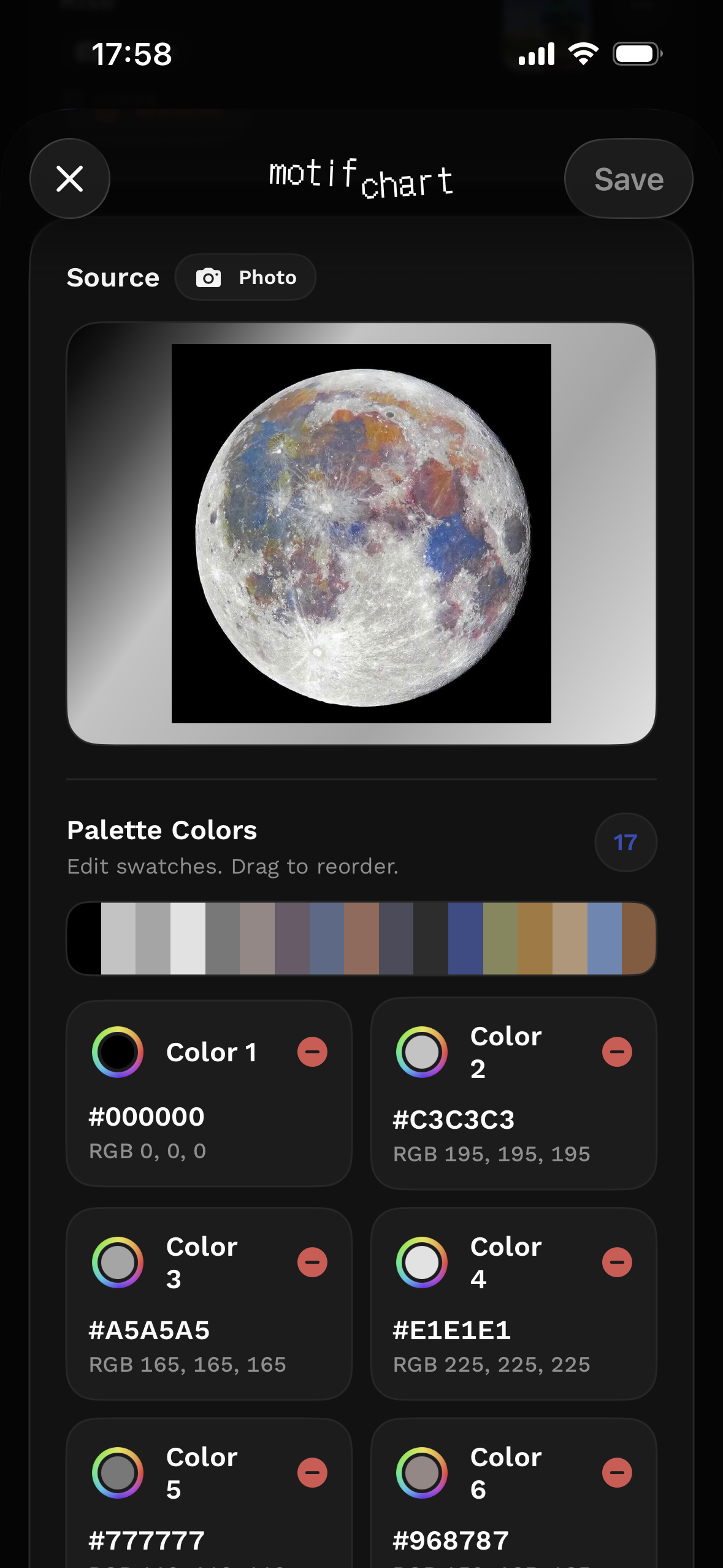
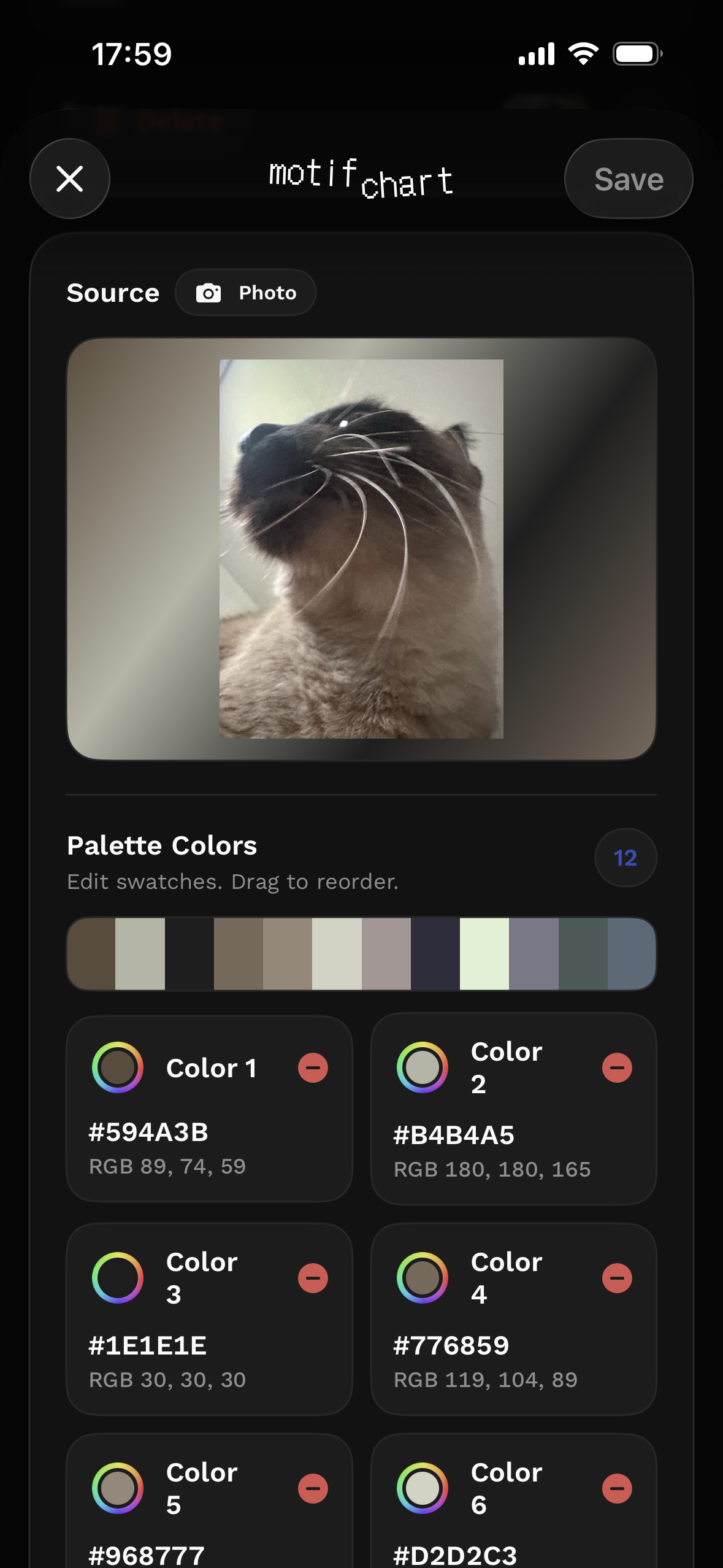
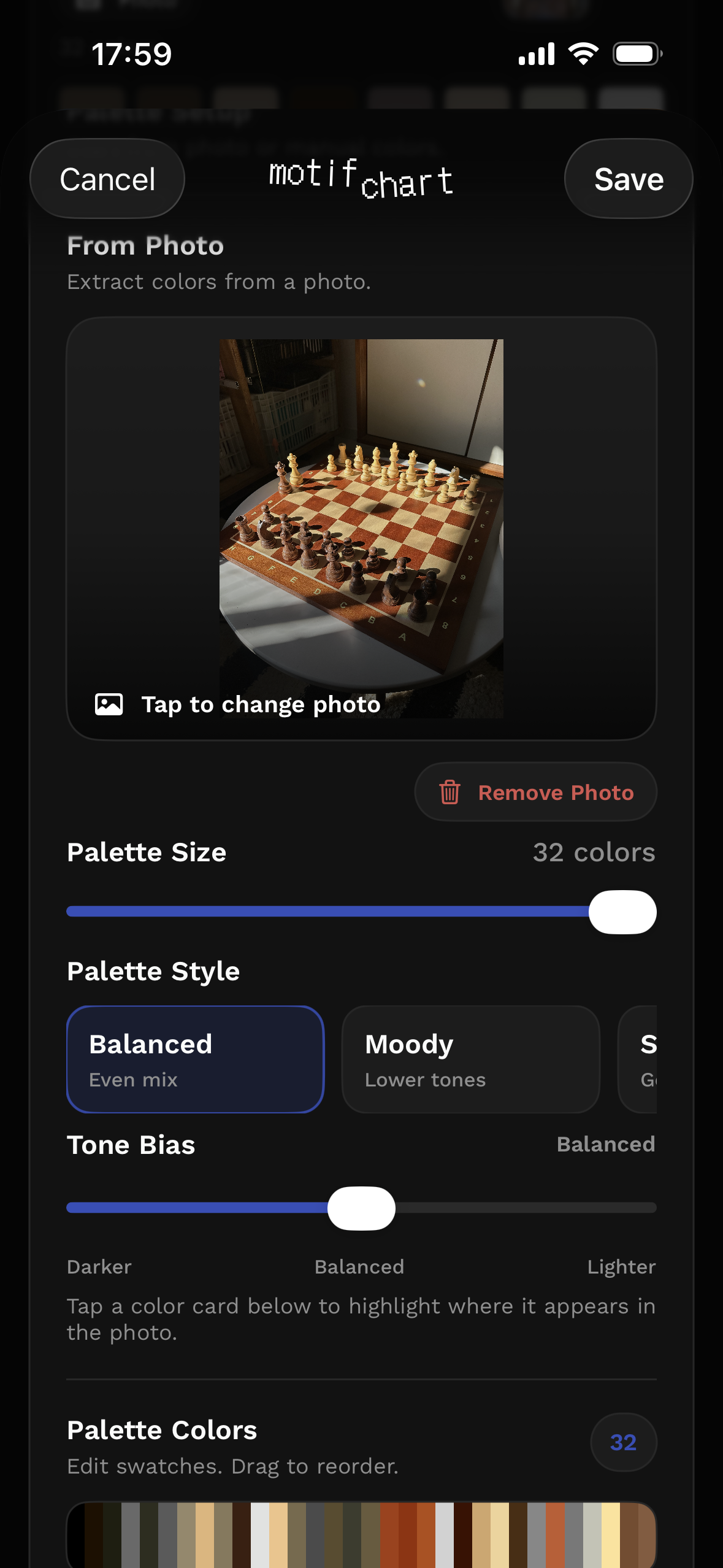
Start from a photo when it helps.
Turn source color into working swatches.
Pull a palette from an image, trace over a reference, or convert a photo into editable grid color.
- Choose the color count.
- Refine the swatches.
- Keep the photo under the grid.
- Save palettes for future projects.
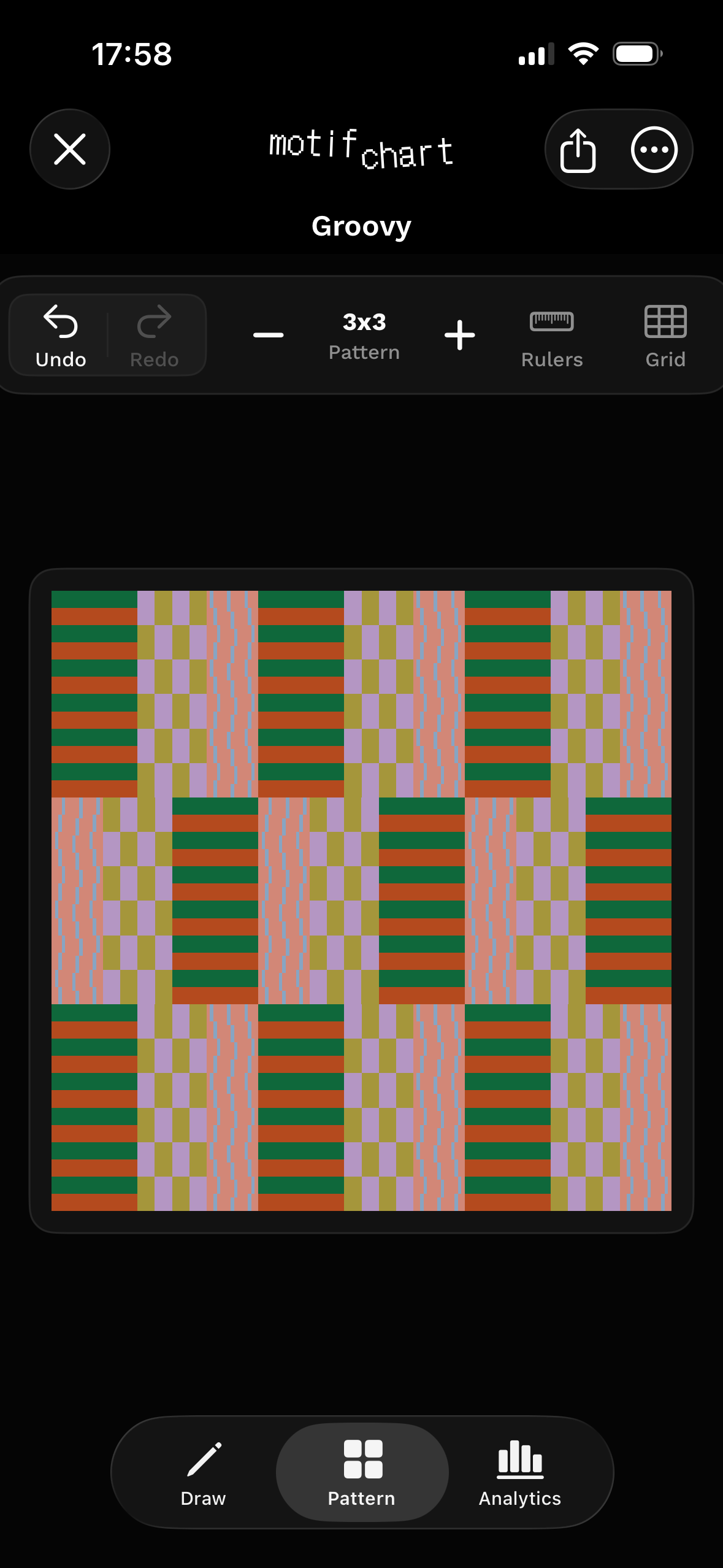
See the pattern before you commit.
Check how the motif behaves in repeat.
Switch from Draw to Pattern, adjust the layout, compare variations, and keep working until the chart holds together.
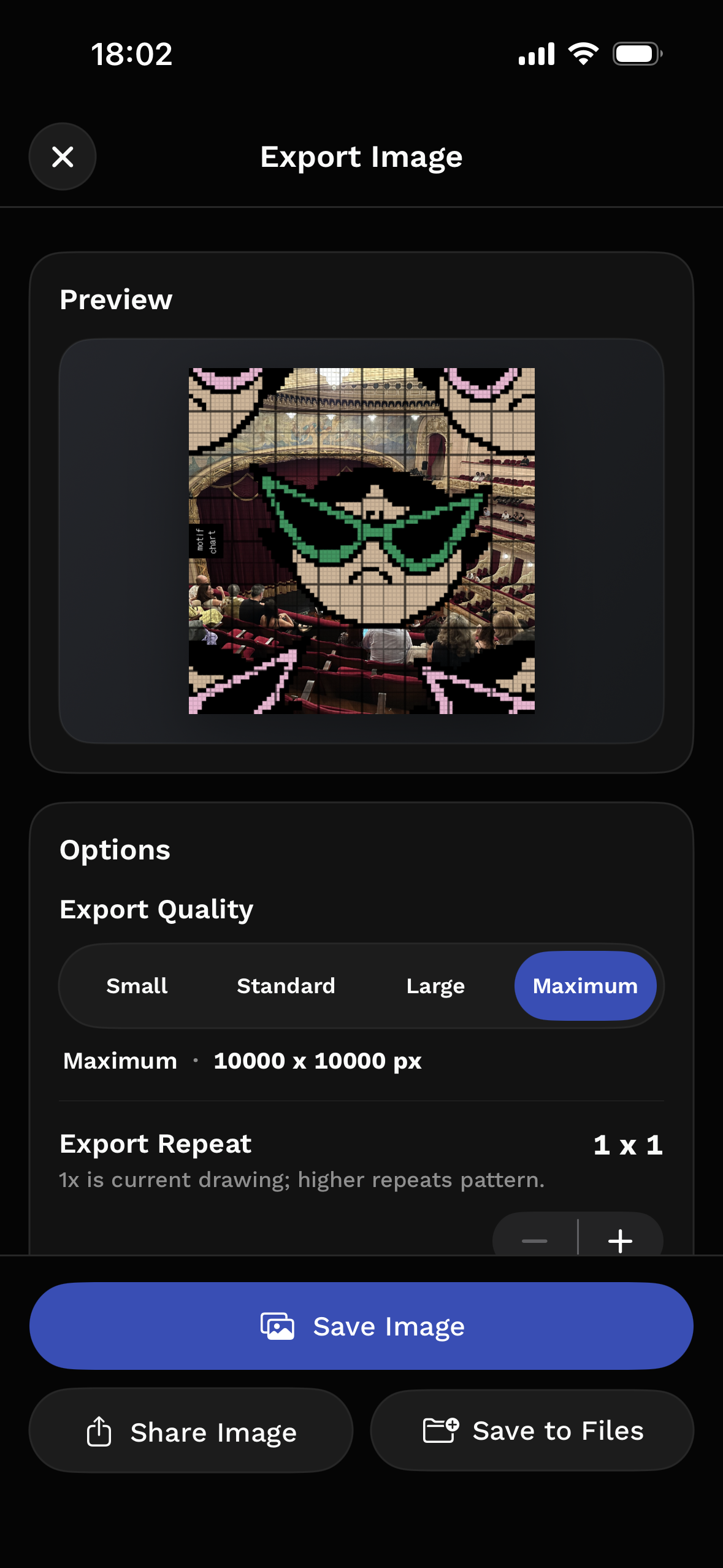
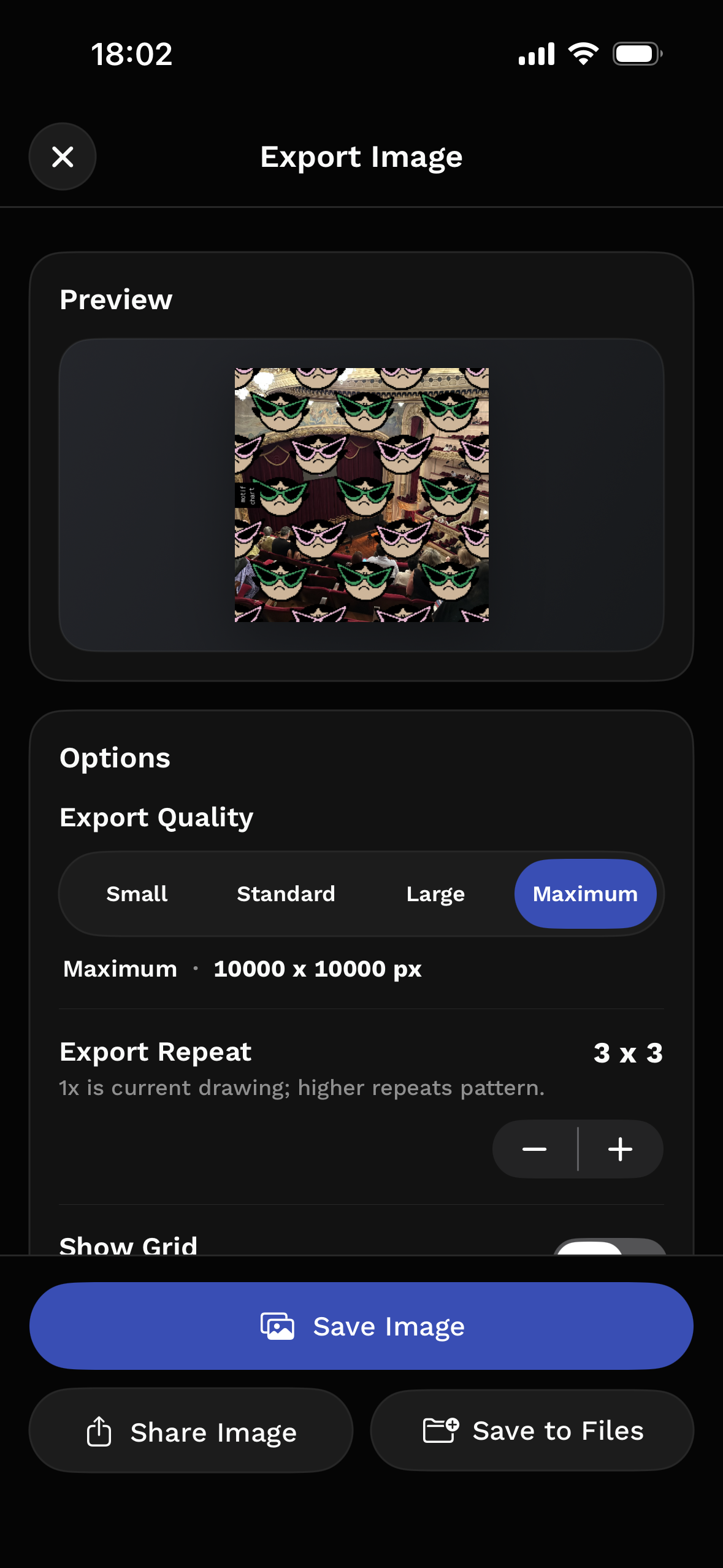
Export the chart, the image, or the process.
Output controls for how makers use their work.
Save the clean chart, print a PDF with context, keep transparent colors, or share the process as a timelapse.
- Clean image exports.
- Print-ready PDFs with row and column context.
- Transparent colors and photo underlays.
- Timelapses and Live Photos for process posts.
Go further with MotifChart Pro.
Unlock the deeper chart workflow.
Pro adds photo palettes, auto-fill, project presets, Repeat Lab, version snapshots, clean exports, PDFs, timelapses, and planning tools for larger charts.
Start your next chart in MotifChart.
Made for iPhone and iPad.